You open the fridge and find forgotten cottage cheese — again
Holodos tells you in advance what to eat first — in a calm line, no alarming red screens.
Holodos remembers what’s at home, what to eat first and what to buy. Less food in the trash, more money in your wallet.
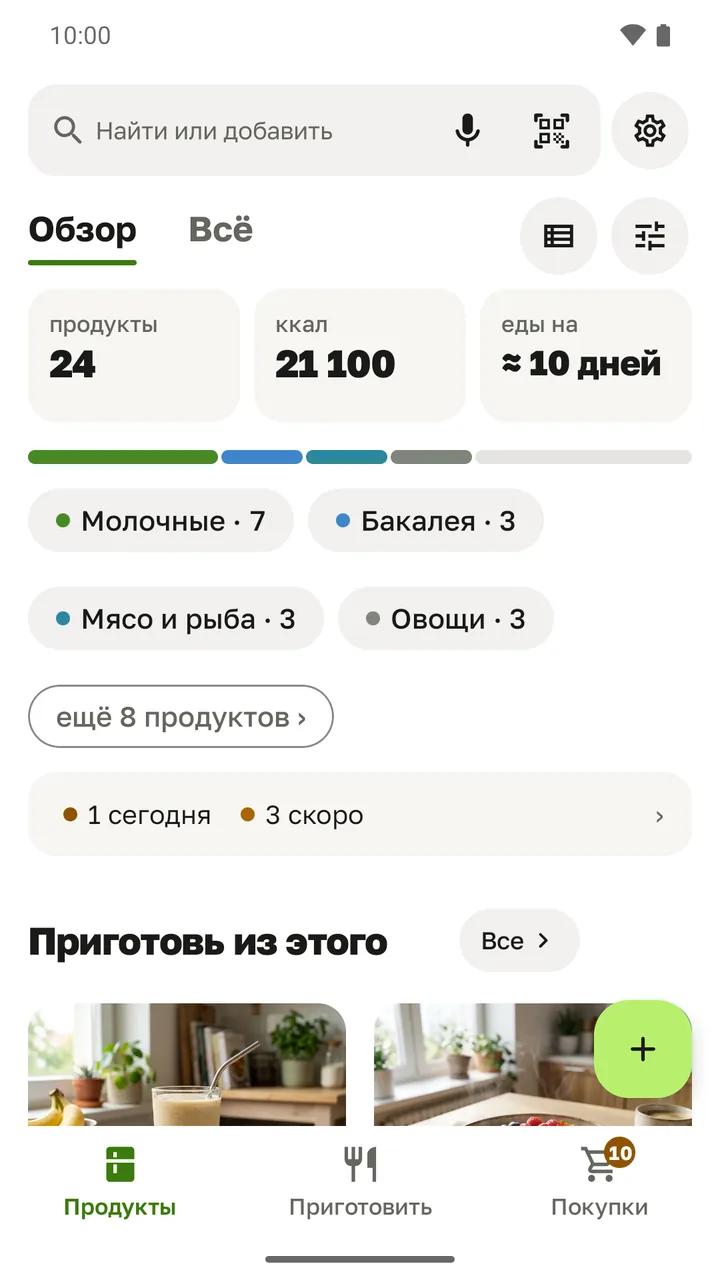
Holodos tells you in advance what to eat first — in a calm line, no alarming red screens.
Everything at home at a glance. And whatever ran out is already waiting on your shopping list.
Recipes from what you already have, and you see right away what’s missing.
The item is added right away — with its name, size and calories. Or say “milk, bread, ten eggs” and it’s all added in one go.
Based on the type of food and where you keep it. You can adjust it on the item card.
A notification about food to eat first, plus a home-screen widget: what’s expiring and what to buy.
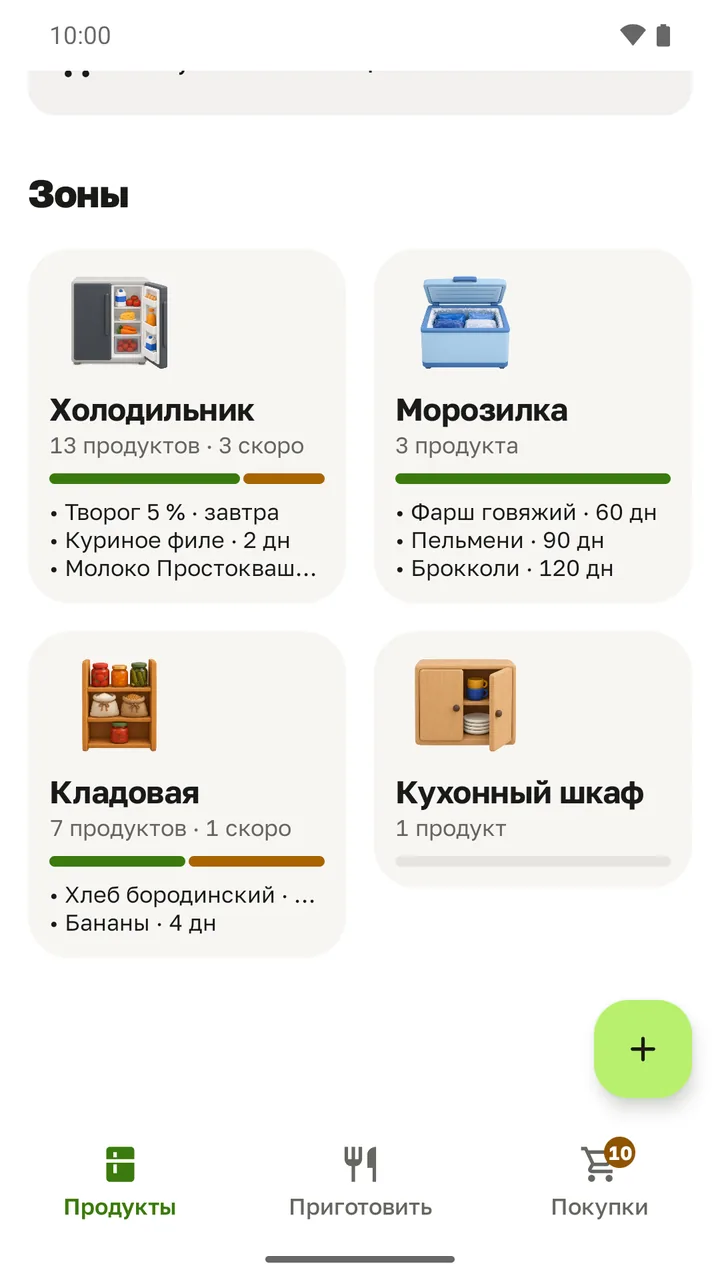
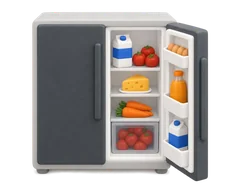
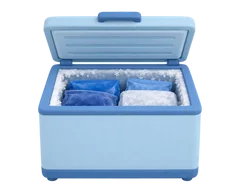
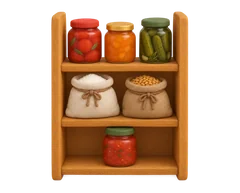
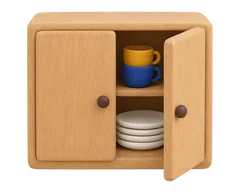
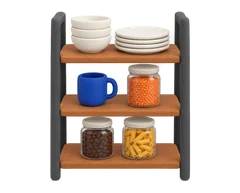
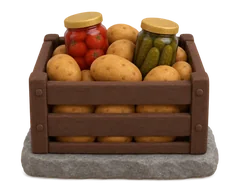
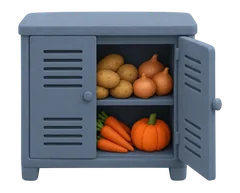
Fridge, freezer, pantry and your own zones — just like your kitchen.
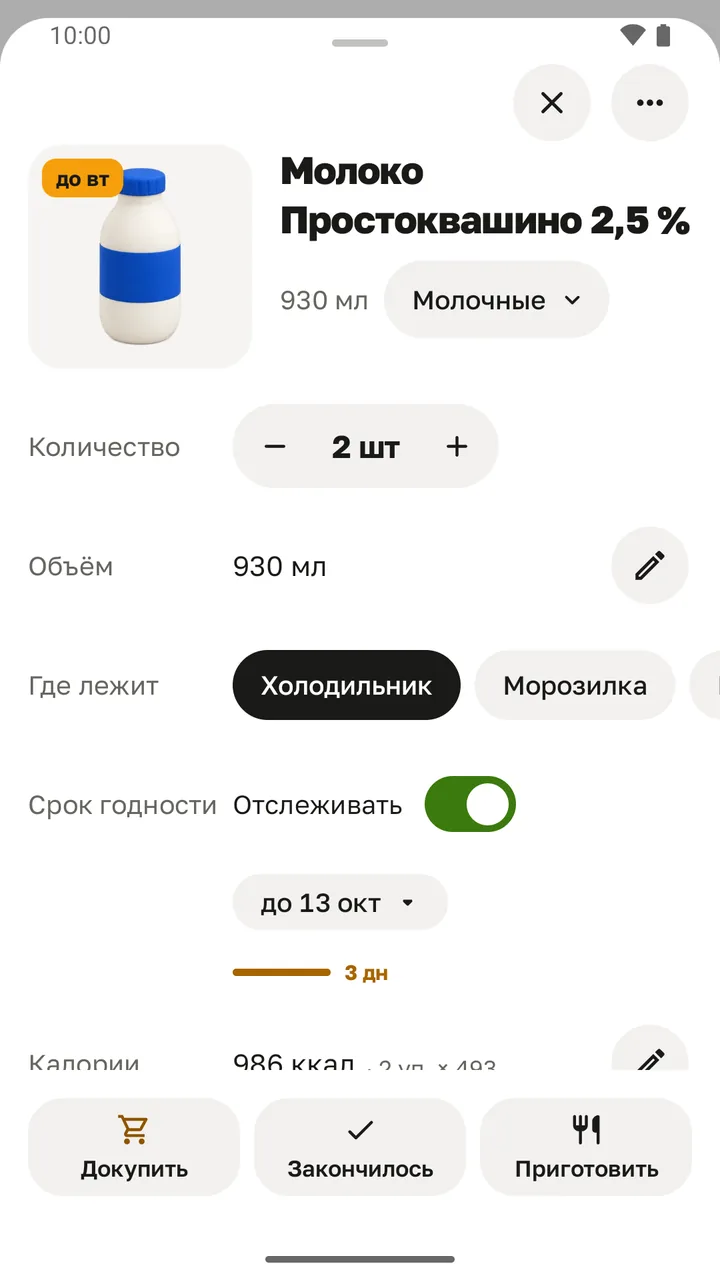
The item card shows how much is left, where it is and when it expires.
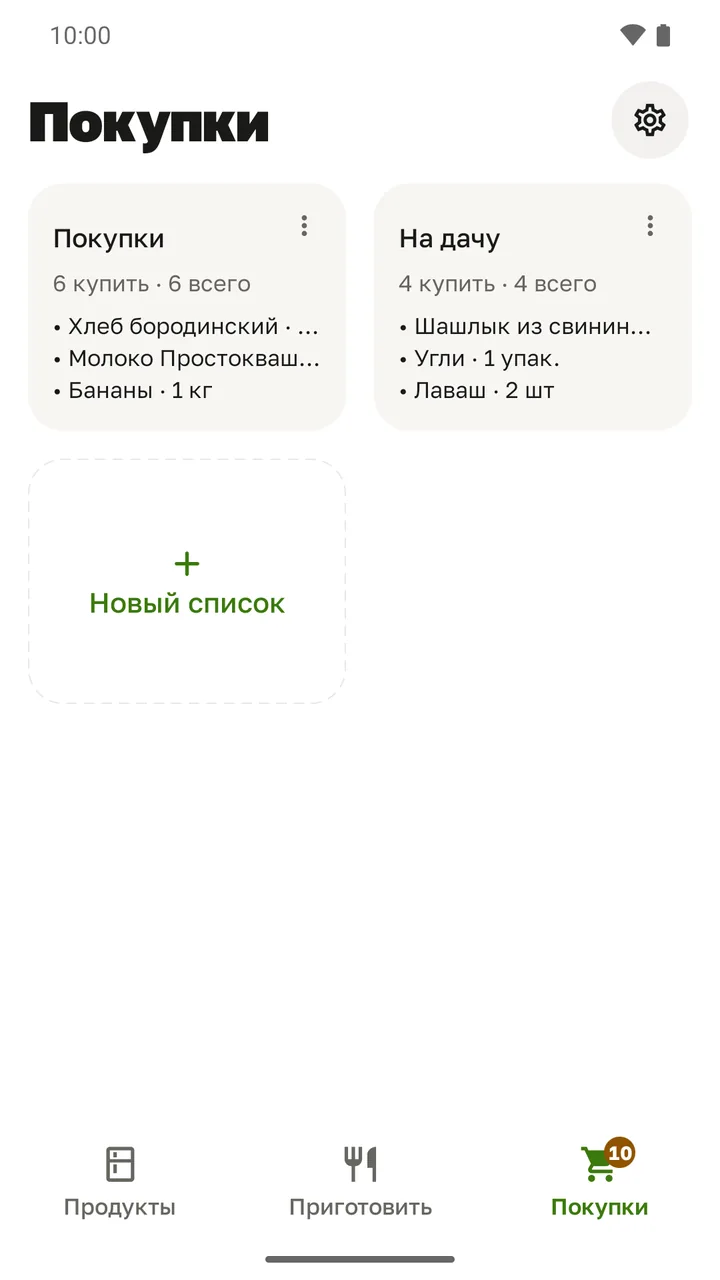
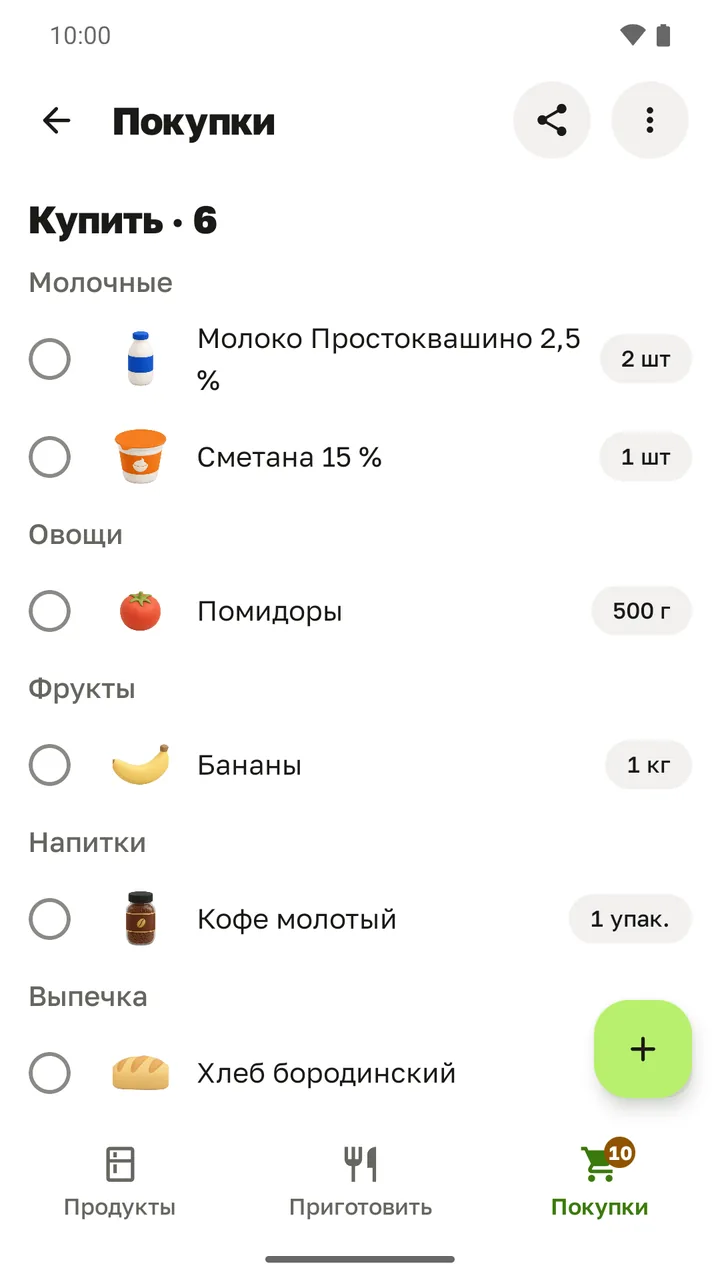
Out of milk? One tap and it’s on the list.
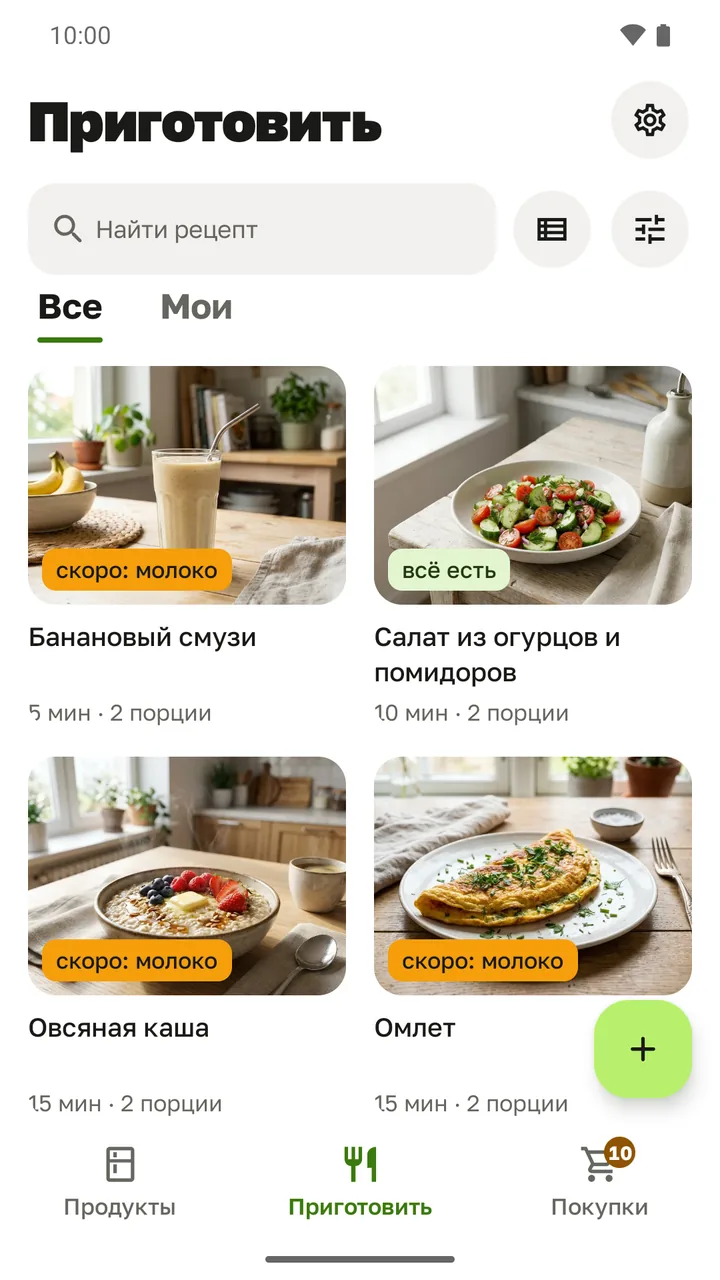
Recipes you already have almost everything for — and you see right away what’s missing.
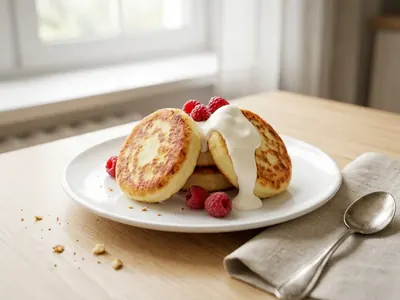
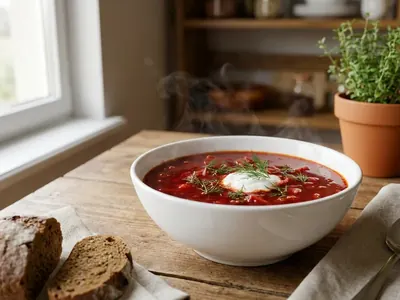
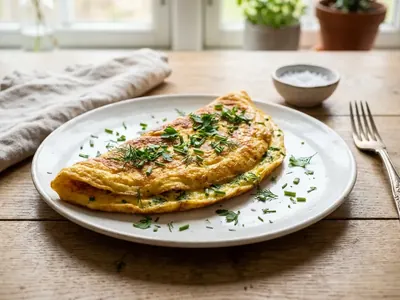
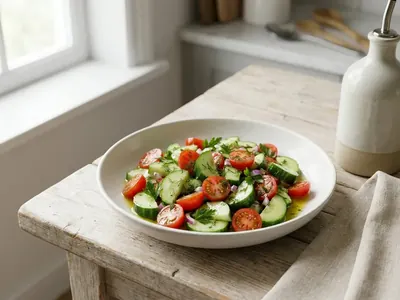
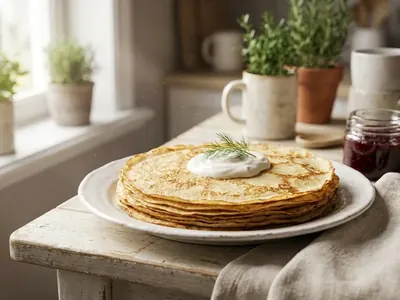
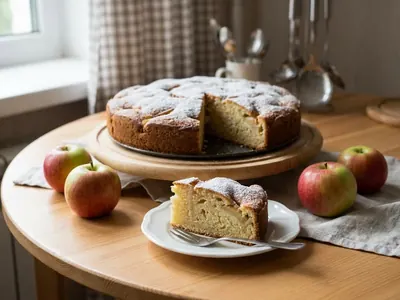
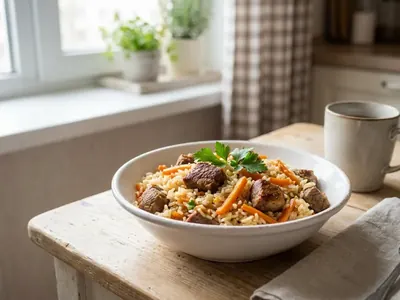
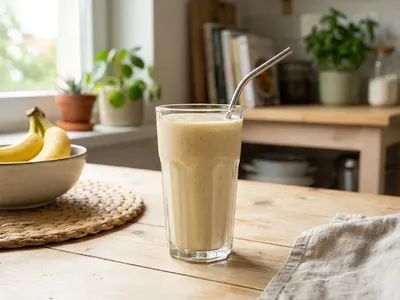
Name your storage places the way you’re used to and pick a picture for each.
Holodos doesn’t ask for your email or phone number and doesn’t show ads.
No subscriptions, no in-app purchases.
Open the app and start adding food. No account needed.
And no third-party analytics in the app.
Your food, lists and recipes stay on your phone. Backup is a single file that you save yourself. If Android backup is turned on for your phone, the system may also keep a copy in your cloud storage.
What the app sends over the internet is described in the privacy policy.
Yes. Holodos has no subscriptions, no in-app purchases and no ads.
No. Install the app and start adding food right away — no email or phone number needed.
Only on your phone: food items, shopping lists, recipes and settings. If Android backup is turned on for your phone, a copy may be kept in your cloud storage.
A product barcode — to find its name, size and calories. No name, email or phone number.
Cash receipt import is still in preparation; no receipts are sent to the server for now. Once released, receipt details from the QR code will be sent only when you scan a receipt and give your consent: our server will use them to request the receipt contents from the Federal Tax Service of Russia. How cash receipt import works.
Product details you entered yourself (barcode, name, size and category) go to the shared product database only if you agree to help it — you can turn this off in settings. Crash reports are sent only if you allow it.
With every request the server receives a random installation number and an IP address — to protect against abuse; they are kept for up to 30 days. Details are in the privacy policy.
Holodos suggests a date based on the type of food and where you keep it. You can always change it on the item card.
In settings, save a backup — you get a single file. On the new phone, restore from that backup.
No, Holodos runs on Android 8.0 and later — on RuStore and Google Play.
Write to info@d13studio.ru.
This feature is still in preparation: for now the app does not process receipts or send them to the server. Below is how it will work.
Receipt data is used only to show your receipt to you and to help you keep track of your purchases. It is not shared with third parties and is stored on the server for no longer than 30 days. The feature is free.
Free, no sign-up and no ads. For Android 8.0 and later.